
Estimates
Use the Estimate Totals dialog box to view details about the estimate total.
The Estimate Totals dialog box displays the totals for each section of the estimate, similar to the estimate report. You can also view details of the primary damage and prior damage estimate totals.
How to
 View Estimate Totals
- In an open estimate, do one of the following:
- To view estimate totals, click the Estimate Totals toolbar button
 .
. - To view prior damage totals, click the Prior Damage Totals toolbar button, and then click Related Prior Damage or Unrelated Prior Damage. A print preview of the prior damage report appears.
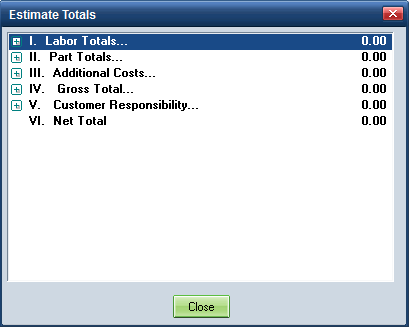
- Expand the sections to see details.
|
See also: |
