Using MAPP
Manually Add Alternate Parts
You can manually add alternate parts to your estimate. You might do this if you don't have MAPP installed or if the MAPP search didn't find an alternate part, but you know where you can get one.
How to
 Manually add an alternate part to your estimate
- Start an estimate.
- Add repair lines to your estimate.
- Calculate the estimate.
-
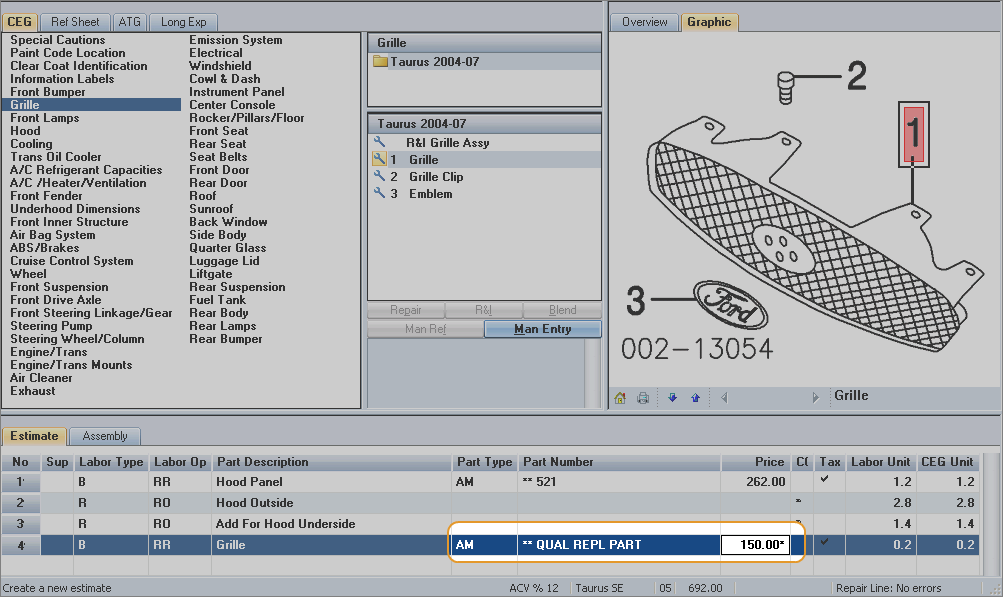
Click the Part Type, and select Aftermarket New.

-
Enter a Price for the part. The price displays with an asterisk (*) to show that the price was manually entered. Notice that the Part Number changes to "*** QUAL REPL PART."