
Vehicle
Use the Total Loss dialog box to enter information for the Total Loss report.
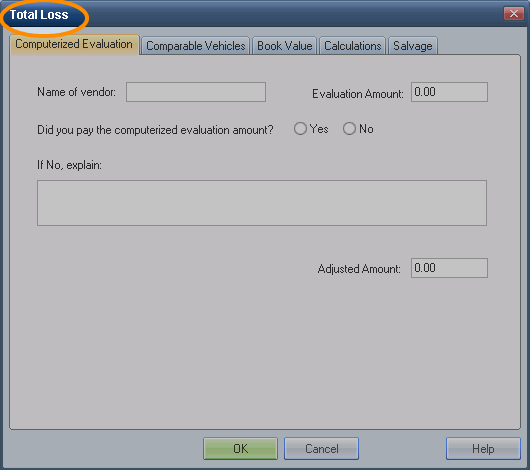
The Total Loss dialog box consists of five tabs:
* Use these tabs to determine the base price for the Total Loss value.
Note: Total Loss evaluations are based on vehicle inspection information and are summarized in the Total Loss report.
How to
 Enter total loss information
- On the Estimate menu, click Total Loss.
- Click the Book Value tab, and enter the information.
- Click OK to save the information and close the Total Loss dialog box.
Modify total loss information
- On the Estimate menu, click Total Loss.
- Click the appropriate tabs, and make the necessary changes.
- Click OK to save your changes and close the Total Loss dialog box.
