
Mitchell Estimating uses a program called MCM (Mitchell Communications Manager) for its estimate communications. MCM was automatically installed when Mitchell Estimating was installed, so it's already on your system. It just needs to be set up.
This topic covers the core steps to configure communications in MCM, Mitchell Estimating, and eClaim Manager.
Configure Communications—core steps
 Configure communications in MCM
-
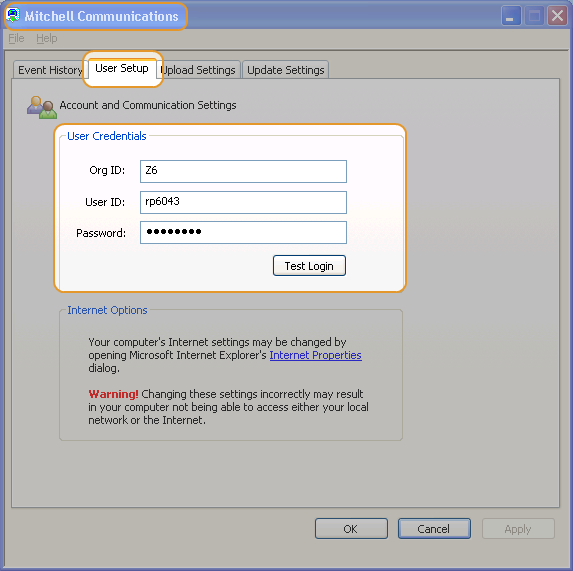
To open the Mitchell Communications window, double-click the Mitchell Communications icon
 in the Notification tray.
 -
On the User Setup tab, enter your Org ID, User ID, and Password provided by Mitchell. (Passwords are case sensitive.)

- To verify communication with Mitchell, click Test Login.
-
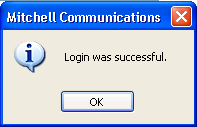
Click OK at the confirmation message.

 Configure communications in eClaim Manager
- Log in to eClaim Manager using Administrator/mitchell for the User ID and Password.
- At the prompt to test communications, click Run Later.
- Set up communications in eClaim Manager using your MCM credentials. Learn how.
- Create an eClaim Manager user ID using your MCM credentials. Learn how.
- Configure the new eClaim Manager user ID to log in to Mitchell Estimating. Learn how.
eClaim Manager communication setup is complete.
Communication between MCM, Mitchell Estimating, and eClaim Manager is now set up through this one MCM user ID. When you want to send or receive information in Mitchell Estimating, log in with this user ID.
|
See also: |
