
Use the Frame Damage report to print information about damage that may be present in a vehicle’s frame structure.
Note: The title on the printed report is "Vehicle Inspection Report."
The report summarizes information entered on the Vehicle Information, Vehicle Inspection, and Total Loss dialog boxes. The fields in the report are self explanatory.
This report is not available for Medium/Heavy Duty truck estimates.
Tip: Open the estimate to print a Full Report (the detailed evaluation). When the estimate is closed, the Blank Form of the report is available.
How to
 Print the Frame Damage analysis sheet
- On the Reports menu, point to Frame Damage, and then click Full Report or Blank Report.
-
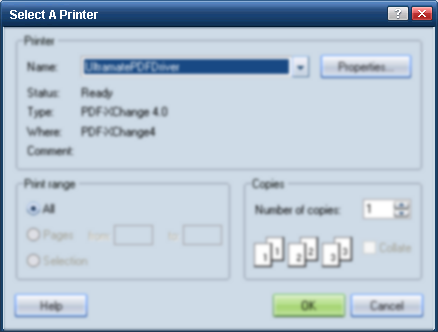
On the Select a Printer dialog box, select a printer, and click OK.

-
On the print preview, do the following:

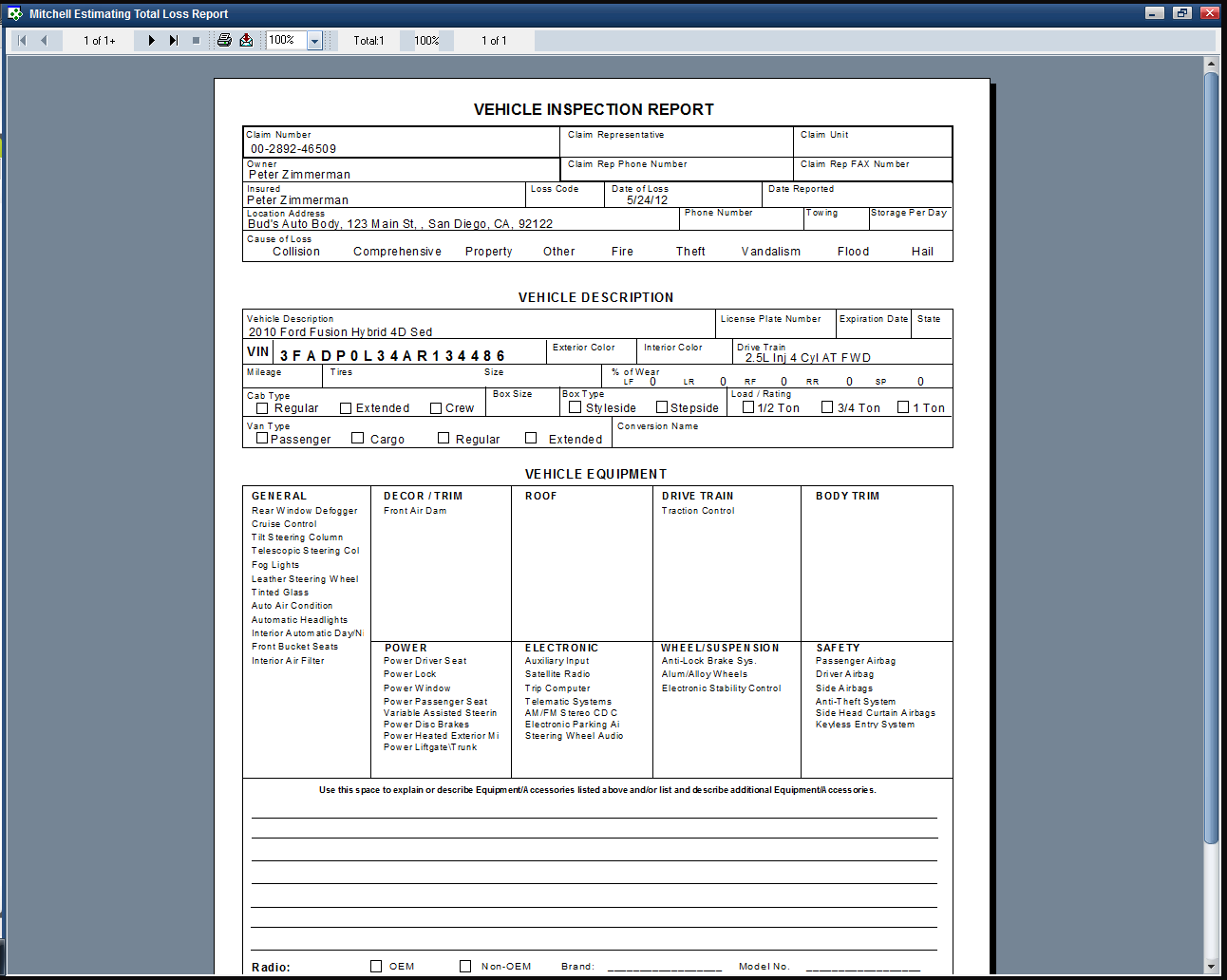
- To print the report, click the Print toolbar button
 .
. - To export the report, click the Export toolbar button
 . The Export dialog box appears. Go to Exporting Reports.
|
See also: |
